 Cube Solver
Kid style
Turn the red side up, like the arrow.
- A buddy who explains each step in one sentence
- Arrows on the cube instead of letters
- Big buttons for undo, hint and sound
For iPhone · kids and grown-ups
Short lessons on a 3D cube teach the Beginner method one step at a time. When a step clicks, you do it again on the cube in your hands. Stuck with a mixed-up cube? Scan it and the app shows you every move.
Solved!
How it works
Cube Solver teaches the Beginner method, layer by layer: the daisy, the white cross, then up to the yellow side.
28 short lessons in 6 chapters, from "Meet the cube" to "Solve it all". Each one gives you a goal, a few moves to reach it, and a hint when you need one.
Mistakes are fine. Undo is always one tap away.
Every lesson ends with the same step on the cube in your hands. The moves play on screen, then the camera checks one side to see if you got it.
Any 3x3 cube with the classic colours works.
Show the camera each side of a mixed-up cube. The app checks the colours, then guides you one move at a time, with arrows, until it is solved.
Lost your place? Rescan one side and carry on.
A look inside
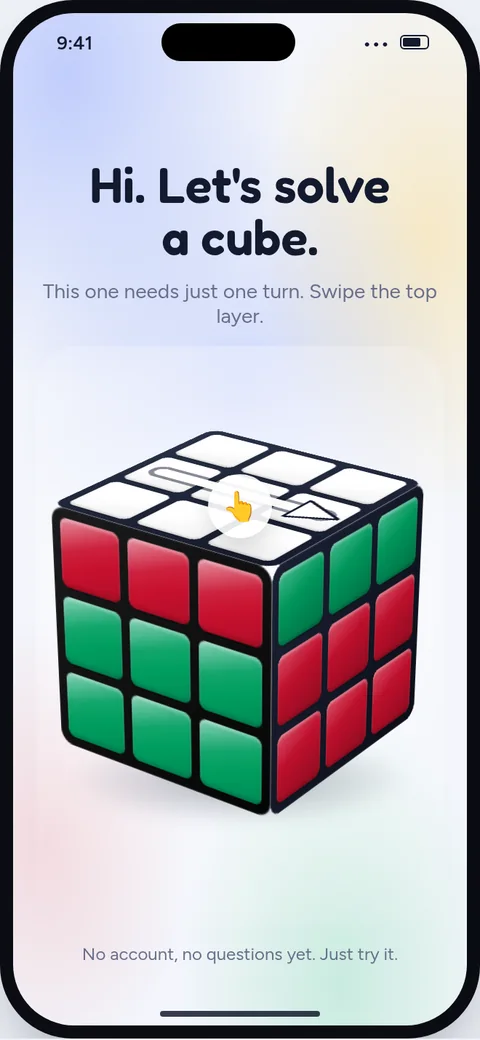
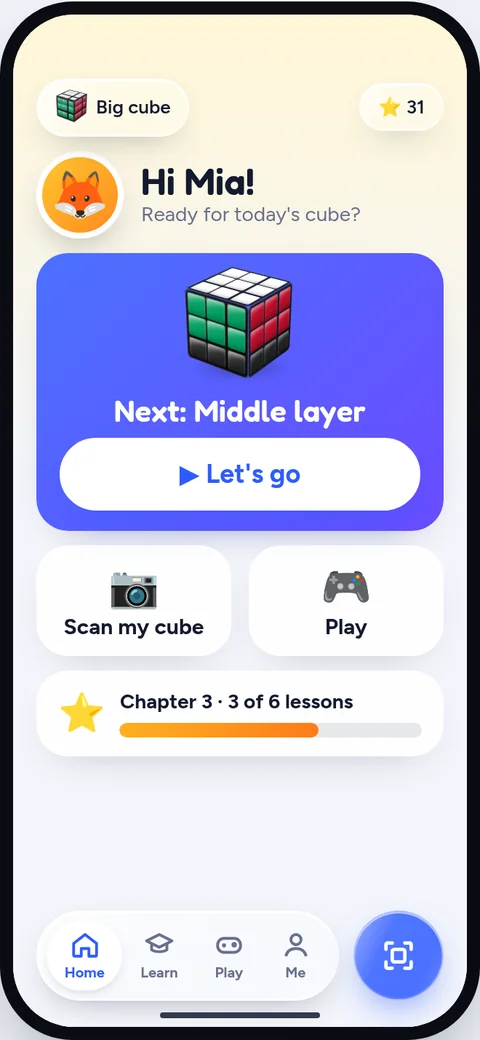
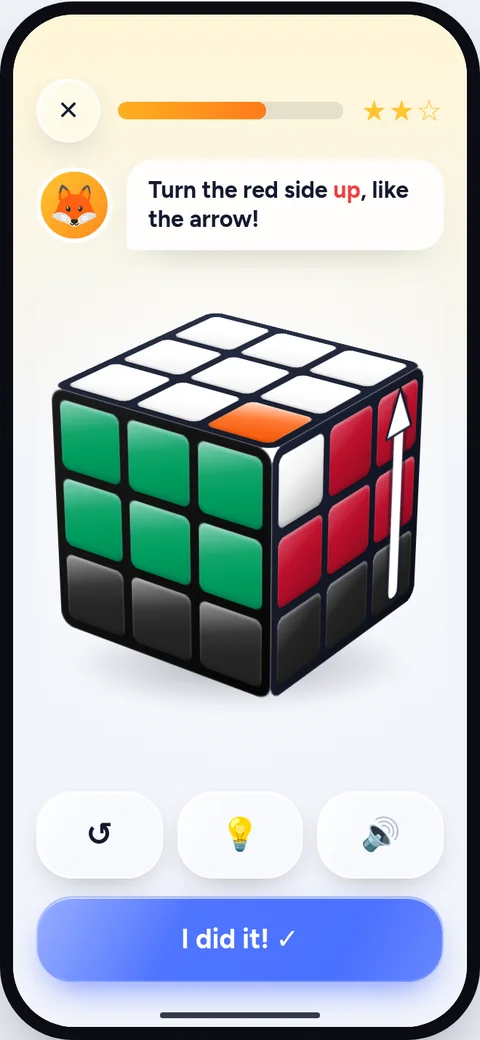
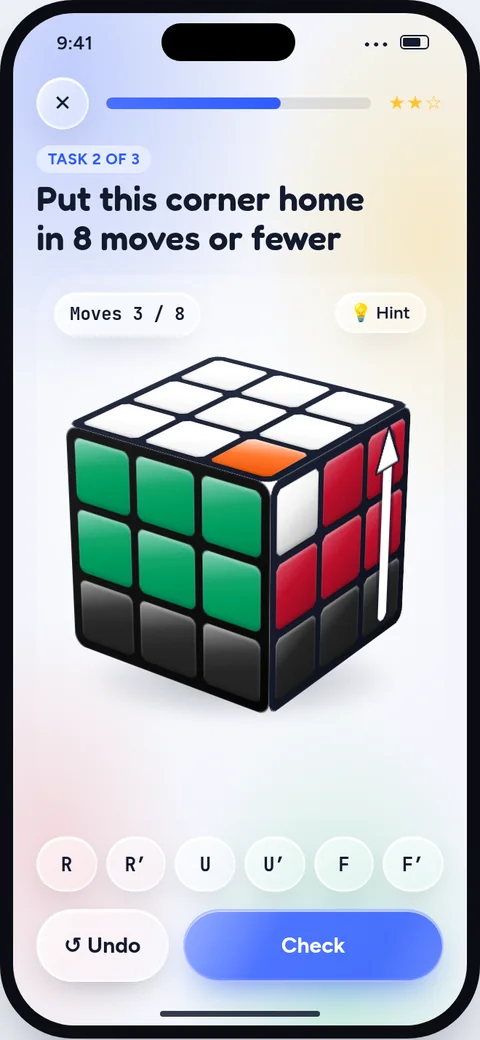
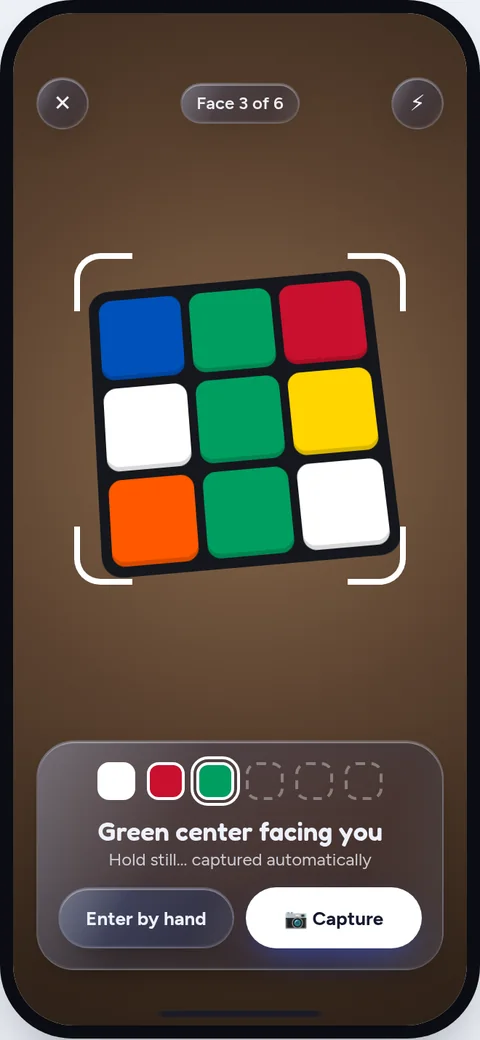
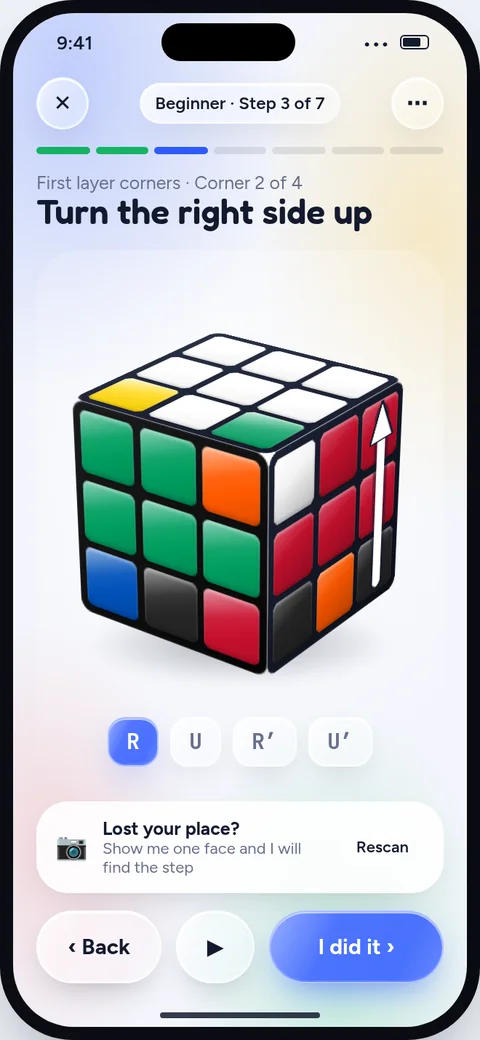
Screens from the app's design. The app may look a little different.
Kid or grown-up
Pick a style when you start, and change it any time. It only changes how things are shown. No age is asked.
Puzzles
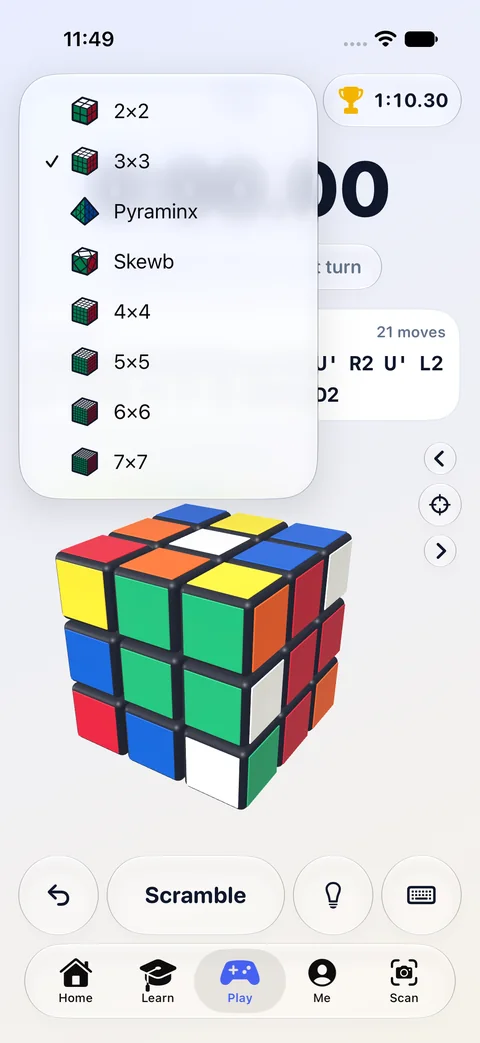
The lessons teach the classic 3x3. In Play you can pick up any of these, mix it up and race the clock.
For parents
There is no way to message or talk to anyone in the app.
Buddies, pictures and art are built into the app. Kids can't post anything.
Just a first name and a buddy. No email, no password, no age.
Pictures are read on the phone to find the colours, then thrown away. They are never saved or sent.
Lessons, scanning and solving all work without the internet.
Stars, times and saved cubes live on the device. We can't see them.
Cube Solver is in beta on iPhone and coming to the App Store.